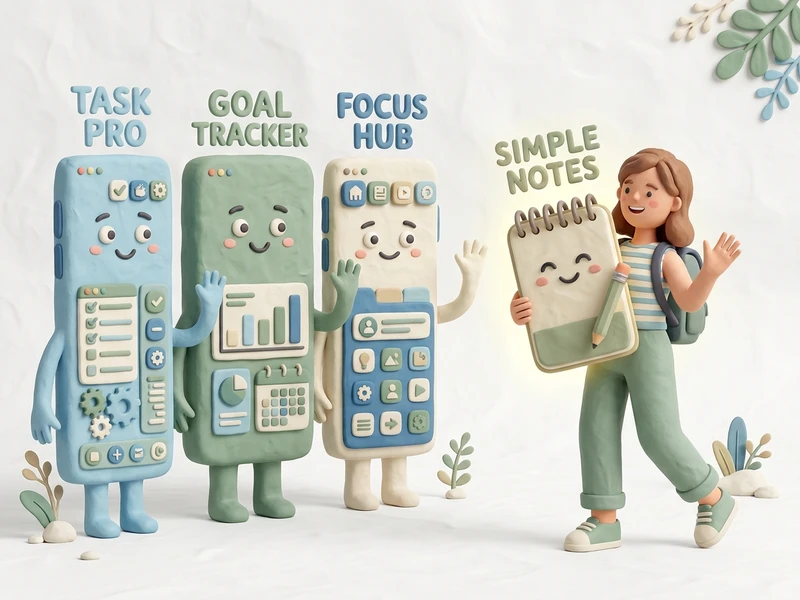
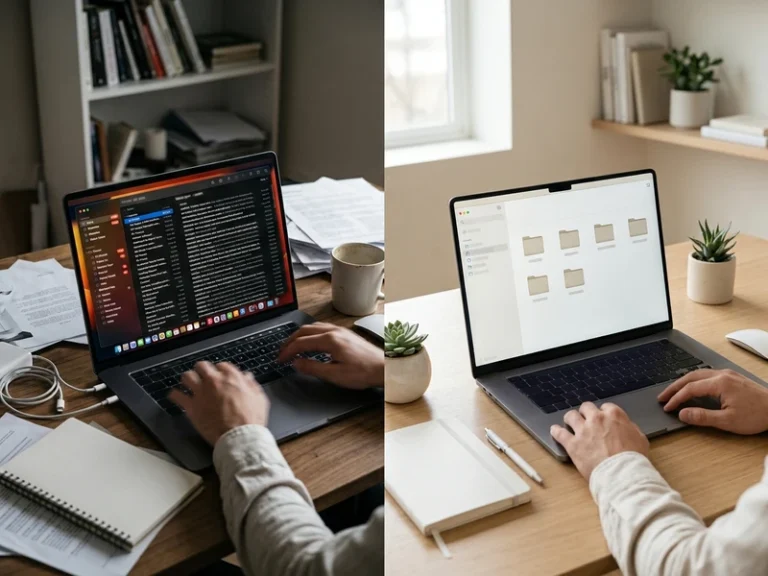
Search “best productivity apps” and you’ll find lists of twenty five tools, each promising to fix a different part of your day. Task managers, habit trackers, focus timers, note taking apps, time trackers, calendar tools. For a beginner, that volume of choice tends to create the exact problem these tools are supposed to solve, more time spent comparing options than actually getting anything done.
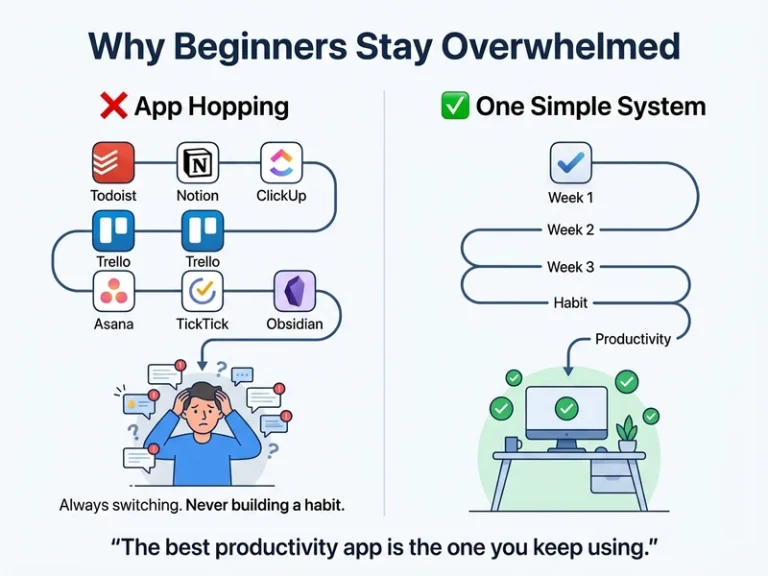
There’s a real, well documented pattern behind this, sometimes called tool switching or productivity tool hopping, where people repeatedly try new apps looking for the one that will finally make them productive, without ever using any single one long enough to build a real habit around it. The tool isn’t usually the problem. The constant searching for a better one is.
The goal here isn’t to give you another long list to sort through. It’s to point at a small number of tools that actually cover what a beginner needs, and to be honest about which ones you can skip entirely for now.
Start With One Task Manager, Not Three
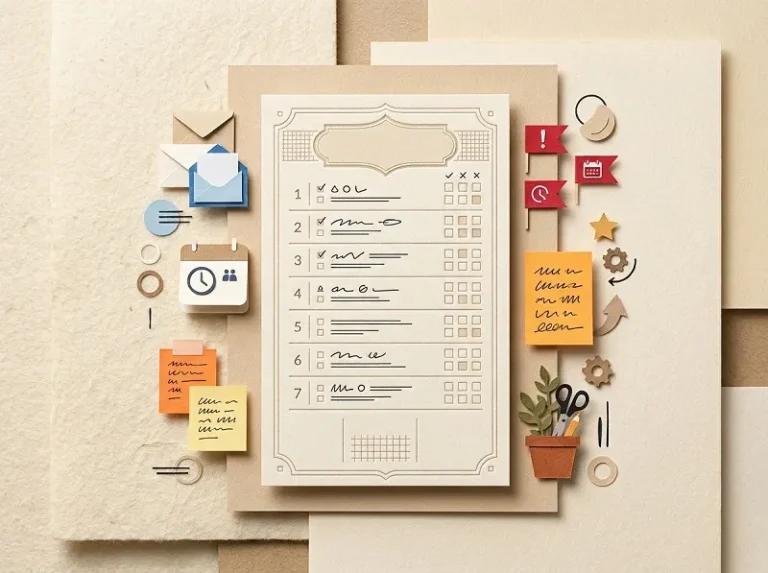
A single place to capture and track tasks is the foundation almost everything else builds on.
Todoist and TickTick are both commonly recommended starting points, simple enough to learn in a few minutes, with free versions that cover everything a beginner needs
Notion works well if you want a task list combined with notes and other content in one place, though it takes longer to learn than a dedicated task app
Even a basic notes app or a paper notebook counts as a real task manager if you’ll actually use it consistently
Pick one, use it for a few weeks before judging it, and resist the urge to try a second one in the meantime
Add a Simple Calendar for Anything Time-Bound
A task list and a calendar solve different problems, and beginners often try to force one tool to do both.
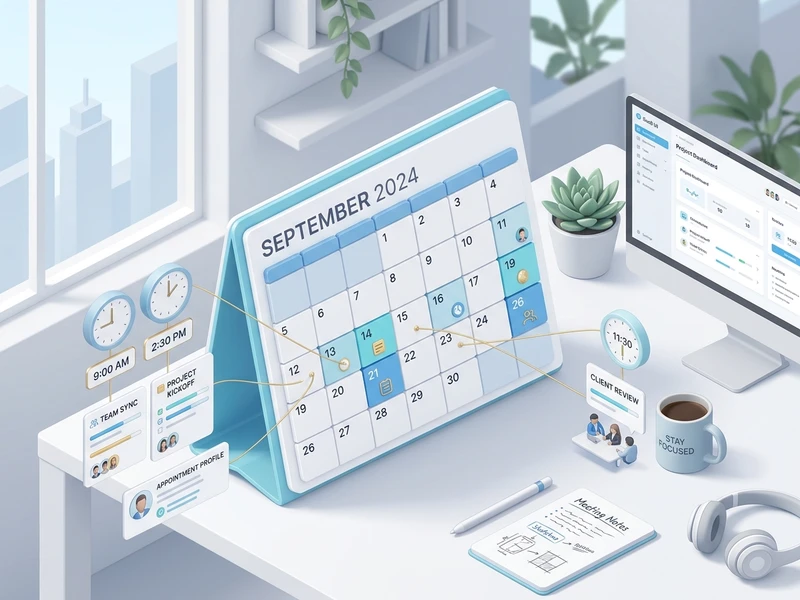
Use your task manager for things you need to do, and a calendar for things tied to a specific time or date
Google Calendar remains one of the simplest, most widely used options, and it’s free
Block time for your top priorities directly on the calendar rather than only listing them as tasks
Keep this separate from your task list rather than duplicating the same information in both places
Try a Focus Timer If Distraction Is Your Main Struggle
Not every beginner needs this, but if losing focus mid task is a recurring problem, a simple timer can help.
A basic Pomodoro timer app works well for structuring focused work into short, manageable sprints
Forest is a commonly recommended option that adds a small visual incentive to stay off your phone during a session
You don’t need a dedicated app for this at all, a simple kitchen timer or your phone’s built in timer works just as well
This tool matters far less than the habit of actually using it consistently during focused work
Consider a Habit Tracker Only Once Your Task System Feels Steady
Habit tracking is genuinely useful, but it’s easy to add too many tools at once as a beginner.
Daylio and similar apps let you log habits and mood with minimal daily effort
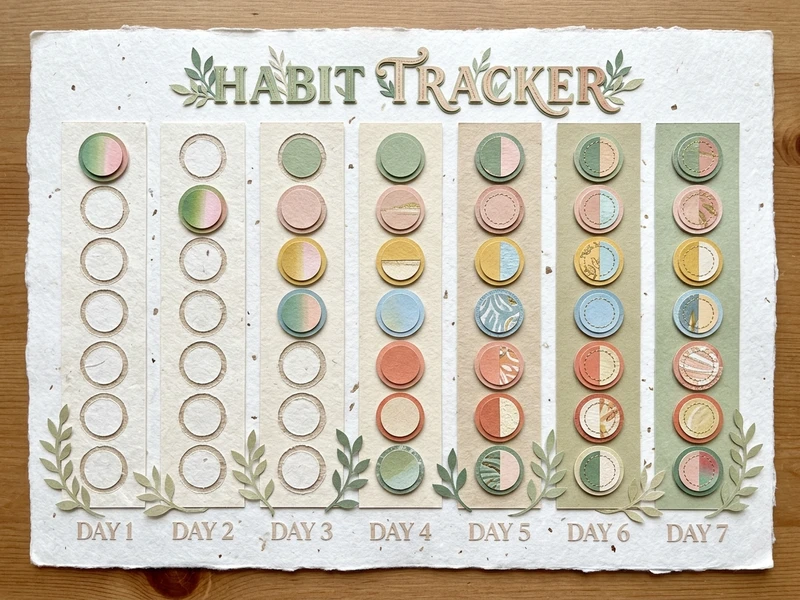
A simple paper habit tracker works just as well if you prefer writing things down
Add this only after your task manager and calendar feel like a normal part of your routine, not on day one
The goal of a habit tracker is visibility, not another system to maintain, so keep whatever you choose genuinely simple
What Beginners Can Skip Entirely, At Least for Now
A lot of tools marketed as essential are actually built for far more complex needs than most beginners have.
Full project management platforms like Asana are built for teams coordinating multiple people, not one person managing a personal task list
Time tracking software that logs every minute of your day adds real overhead most beginners don’t need yet
Automation tools that connect multiple apps together are worth exploring later, not while you’re still learning your core system
Any tool with a steep learning curve is worth delaying until your basic system is actually working well
How to Actually Choose Without Overthinking It
The decision itself doesn’t need to take long, and treating it as a small decision tends to work better than treating it as a big one.
Pick a free task manager today, based on whichever interface looks simplest to you, not which one has the most features
Give it two to three weeks of real use before considering anything else
Notice specifically what’s missing or frustrating, rather than assuming a different app would automatically fix it
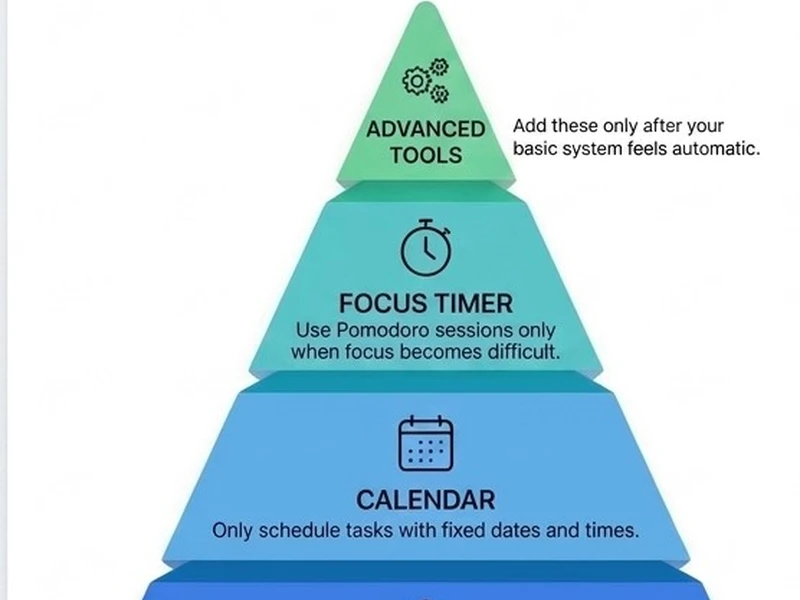
Add tools one at a time, only once the current one feels genuinely automatic to use
Build Your Productivity Toolbox
Think of productivity tools like building a toolbox.You don’t buy every tool in the hardware store before fixing your first shelf.You start with a screwdriver.Only when you encounter a problem that the screwdriver can’t solve do you buy a drill.Productivity works exactly the same way.A beginner usually needs: One task manager and one calendar.After a few weeks you might notice: “I keep getting distracted.” Now add a focus timer. Months later: “I’m struggling to stay consistent.” Now consider a habit tracker.The best productivity system grows because your problems change—not because new apps appear.
FAQ: Productivity Tools for Beginners
A simple task manager like Todoist or TickTick is a reasonable starting point for most people, since it’s easy to learn and covers the most basic need, capturing and tracking what you need to do.
No. Most beginner friendly tools, including Todoist, TickTick, and Google Calendar, offer free versions that cover everything a beginner actually needs.
Two at most to start, typically a task manager and a calendar. Adding more tools before the basics feel automatic tends to create more overhead than it solves.
Not inherently, but switching too quickly, before genuinely testing a tool for a few weeks, often means the real issue is the habit, not the app itself. Give a new tool real time before deciding it’s not the right fit.
The right productivity tools for a beginner are almost always simpler than the internet makes them sound. Start with one task manager and a basic calendar, use them consistently for a few weeks, and only add something new once you can point to a specific gap the current setup isn’t covering. The tool matters far less than actually sticking with it long enough to know.
Chronobiologist Till Roenneberg has spent decades studying something most workplaces still ignore, chronotype, your biological tendency to feel naturally…